FAQ
1. Encountered security software blocking during the installation process?
Currently, the test may be intercepted by certain security software. Please ensure that the download source of Xiaoye Remote is from the current website;
- The installation process prompts that network settings are being modified;
Since it relies on virtual network drivers for cross-regional device interconnection, this step is also essential and only needs to be allowed;
2. Is the connection to the peer device unsuccessful after clicking?
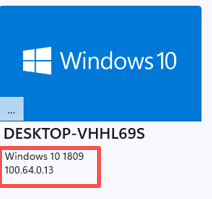
- First, check whether the peer device in the device list is in a connected state, and try to ping the IP address to verify connectivity (provided that the peer firewall is configured to allow ping).
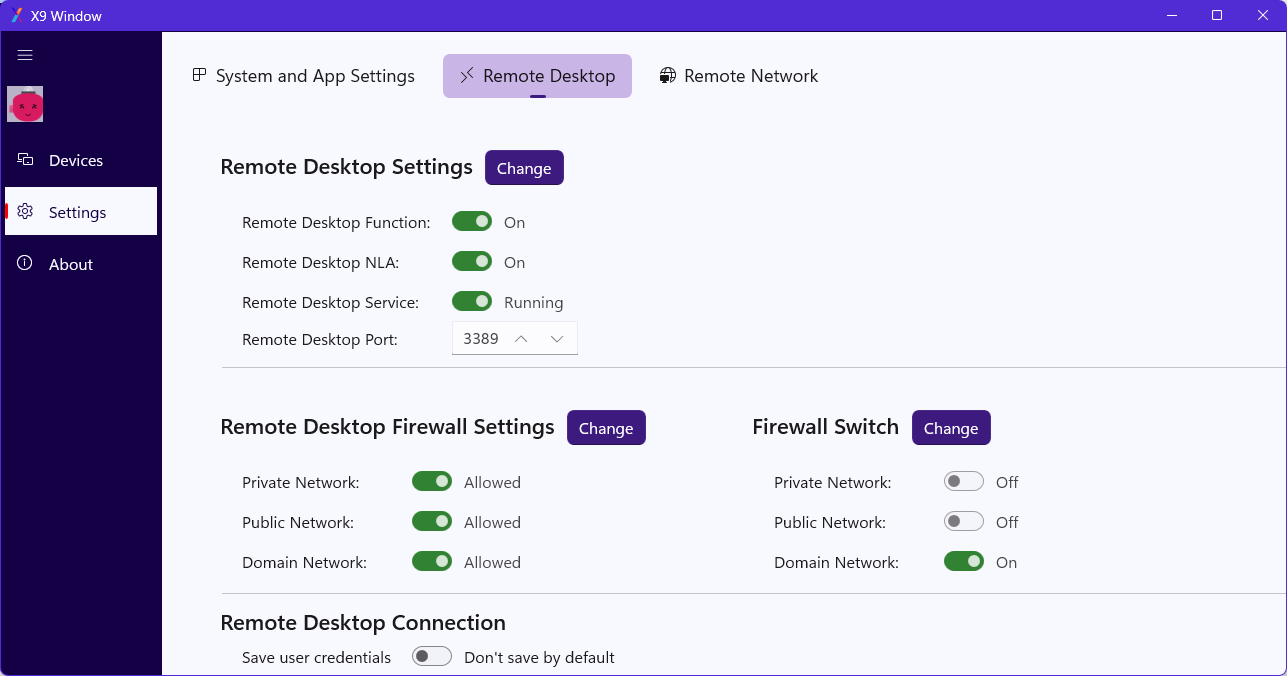
- Navigate to Settings -> Remote Desktop, and check if the services or settings on both ends are functioning properly. If not, adjustments may be necessary;
Modifying system parameters requires administrator permissions. To minimize interruption and reminders for users, the current green button merely indicates the status. If you need to make settings, please click the "Change" button to open the system window and make your own changes.
When the network indicator status of the peer device is green, it generally indicates that the devices are connected to each other.
Other questions?
If you have any other questions during use, please feel free to contact us: