Quick Start Guide
1. Installation
If you encounter any issues during use, please refer to the FAQ page.
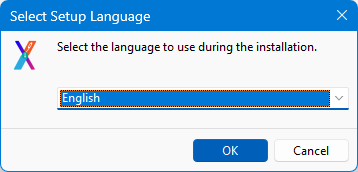
1-1. Go to the website homepage and click Download.
Once the download is complete, double-click to install.
1-2. Installation completed:
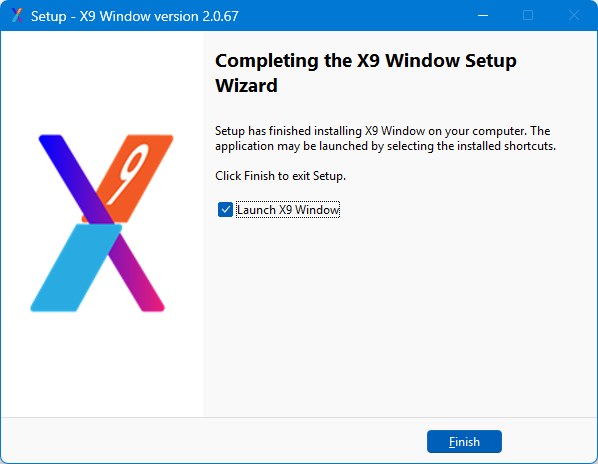
2. Launch the Application
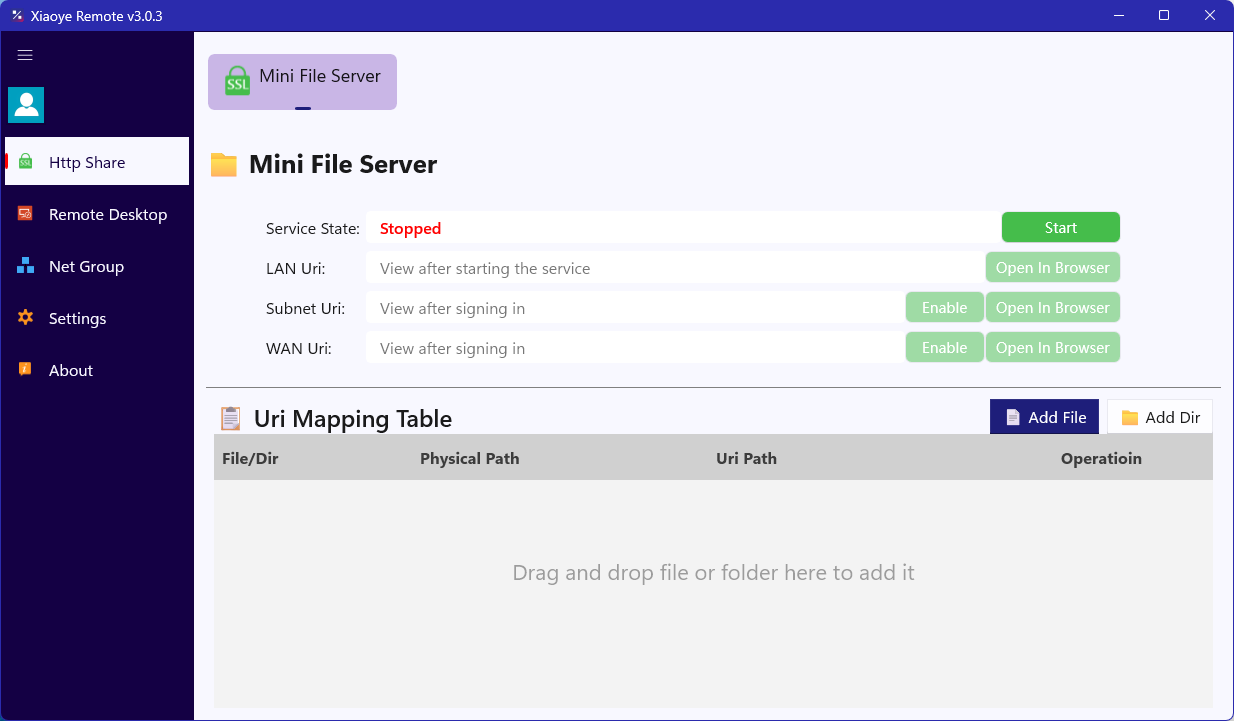
2-1. After installation, the main program will launch automatically.
It will open to the HTTP Sharing page by default.
2-2. Click the login button in the upper-left corner. If you are using email login, please click Register to go to the official website and create an account, then log in here.
You can also scan the QR code to log in.
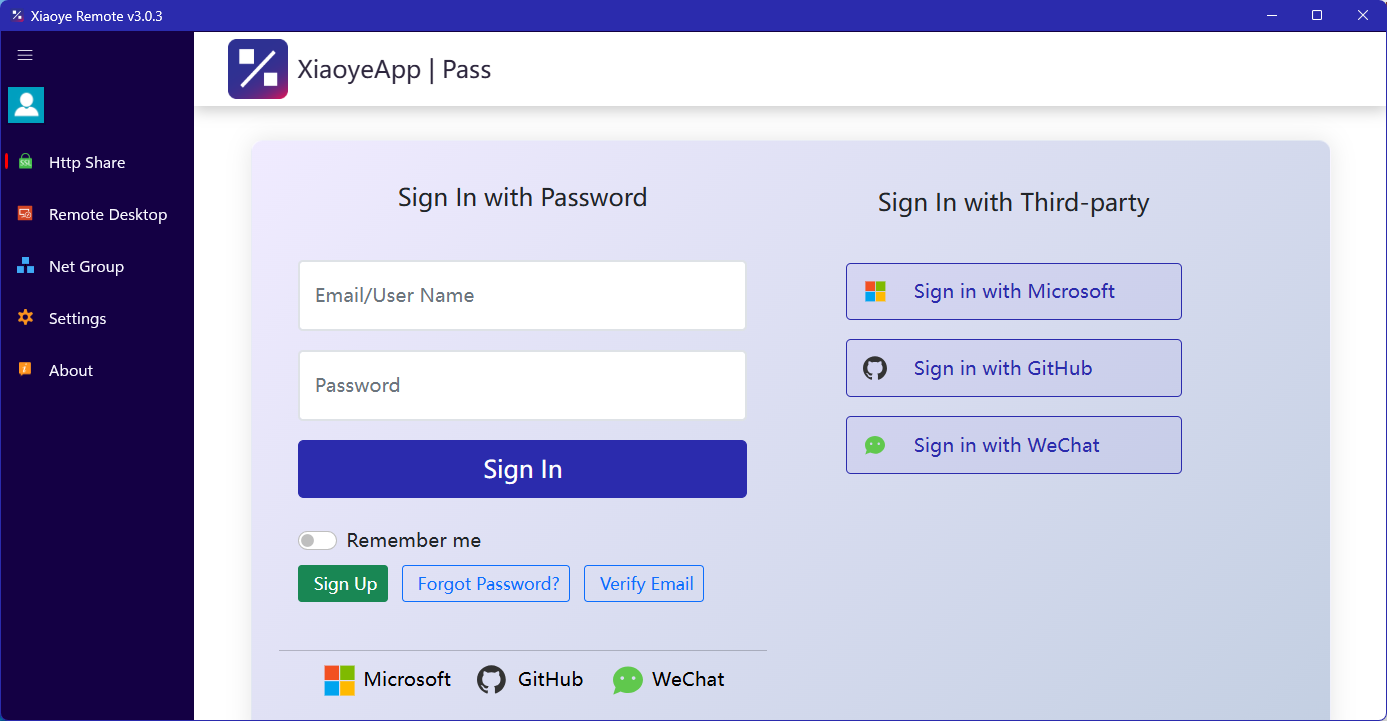
After logging in, you can navigate through the various tabs to explore and manage your settings.