WinUI becomes the "default choice" for native app development on Windows
At the recently concluded Build 2026 developer conference, Microsoft sent a clear signal to Windows developers worldwide: the era of native apps is back, and WinUI is its core engine.
Although Microsoft hasn't announced an abandonment of web technologies or cross-platform frameworks, company executives repeatedly emphasized across multiple key sessions that WinUI is now the preferred framework for building modern, high-performance, AI-ready native applications on Windows 11.
1. From "one of many options" to "production platform": Why is Microsoft going all-in on WinUI?
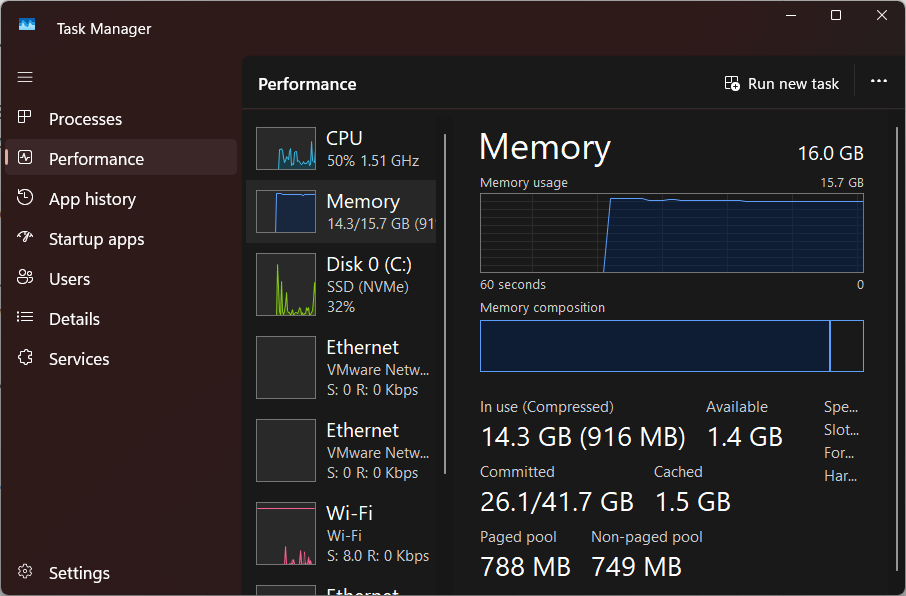
In recent years, the Windows app ecosystem has become fragmented: Electron, React Native, Flutter, Tauri… developers have many choices, but system experience has suffered as a result — memory usage high, startup slow, interface styles inconsistent.
At Build 2026, Chris Anderson, Microsoft's Corporate Vice President of Windows UI & AI, directly answered the community's most pressing question: "We will not build another new framework. WinUI is the production platform for Windows apps."
To cement this promise, Microsoft even dropped the "3" version number, simplifying it to just "WinUI", signifying a commitment to:
-
No disruptive refactoring
-
No plans to abandon or replace it
-
Long-term, stable investment suitable for enterprise applications
2. Mastering the fundamentals: addressing tearing, memory, and control gaps
Previously, developer concerns about WinUI centered on foundational experience and missing enterprise controls. Microsoft has now provided a concrete roadmap:
| Pain Point | Microsoft's Commitment & Action |
|---|---|
| Black borders/tearing when resizing windows | Fully transitioning to a system-level compositor to fix rendering |
| High memory usage | Engineering resources already invested to optimize memory usage patterns |
| Lack of DataGrid and Charts | Confirmed coming soon, prioritizing enterprise scenarios |
| Version iteration risk | Downplaying version numbers, ensuring long-term compatibility |
"The top priority is to improve performance, solidify the foundation, ensure quality, and fix a large number of bugs." — Chris Anderson
These improvements mean WinUI is no longer just a "demo-grade" framework, but a true platform for building enterprise-grade applications like financial dashboards, HR management tools, and billing software.
3. Built for the AI agent era: WinUI + AI workflows
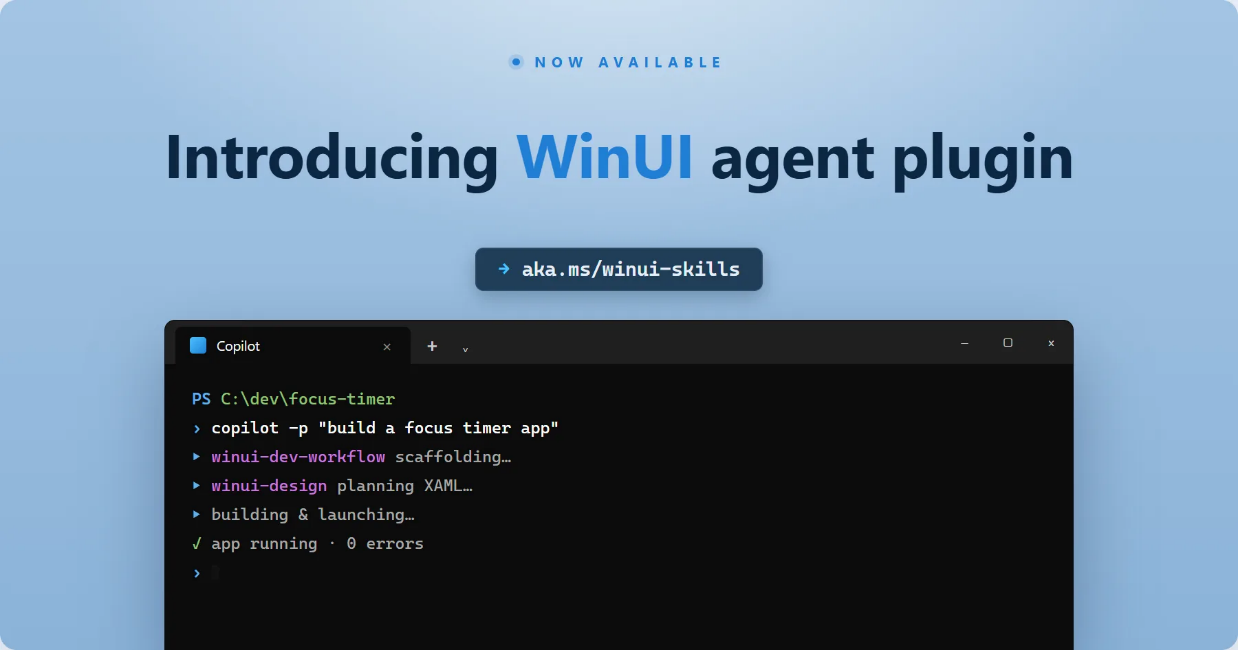
Microsoft also highlighted WinUI's new positioning for the AI era — natively supporting AI agent workflows.
Specifically, this includes:
-
Developers leveraging AI agents to help plan, build, and optimize WinUI applications
-
Enabling intelligent migration of legacy applications (WinForms/WPF) to WinUI
-
Providing clearer control flow and faster iteration experience for AI-assisted programming
In other words, Microsoft isn't simply "adding AI" on top of WinUI; it's optimizing the framework itself for AI-driven development processes.
4. Open but focused: WinUI coexists with other frameworks
Microsoft hasn't "declared war" on other frameworks. Windows remains an open platform, and excellent patterns from React, SwiftUI, and Compose will be referenced. But Microsoft's clear hope is: when developers want to build the best possible native Windows experience, they think of WinUI first.
To that end, Microsoft has also increased WinUI's transparency — moving almost entirely to public code repositories — and promises "foolproof" interoperability between WinForms/WPF and WinUI, allowing enterprises to migrate progressively rather than rewrite overnight.
5. Signs of "Windows returning" inside Microsoft
Multiple foreign media outlets commented after Build 2026: This is the conference with the most discussion about Windows native apps from Microsoft in recent years.
Specific evidence includes:
-
Forming a new team specifically focused on Windows 11 native app development
-
Beginning to rewrite the "Start Menu's" recommendations and "All apps" list from React Native to native implementation
-
Planning to rewrite File Explorer using WinUI to achieve a consistent experience across the system
These actions suggest Windows' strategic priority within Microsoft is rising again, and WinUI is the technical foundation of that strategy.
6. Partnering with developers to build next-generation Windows applications
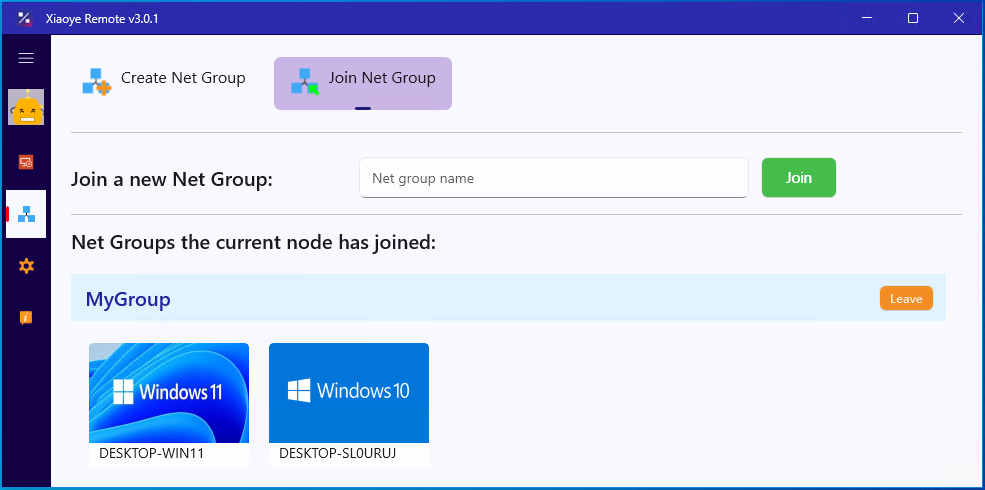
As observers who have long followed Windows technology evolution, we believe a good framework requires continuous iteration with real-world development scenarios. WinUI is rapidly addressing its shortcomings, and we've already accumulated practical experience in areas like remote control and enterprise office tools (see case study: Xiaoye Remote ).
If you or your team are planning Windows app development, or looking to modernize and migrate existing applications to WinUI, please contact us. We can assess feasibility, design architecture together, and leverage WinUI's native performance and AI-ready capabilities to build a better product.
Today, with Microsoft fully committed to WinUI, it's the perfect time to embrace the native Windows ecosystem.