Xiaoye Remote Control 2.0.78 Released: Clearer Network Status and Tray Icon Experience
Dear users,
Xiaoye Remote Control has just been updated to version 2.0.78! This update focuses on two key experience improvements, making remote control more intuitive and convenient.
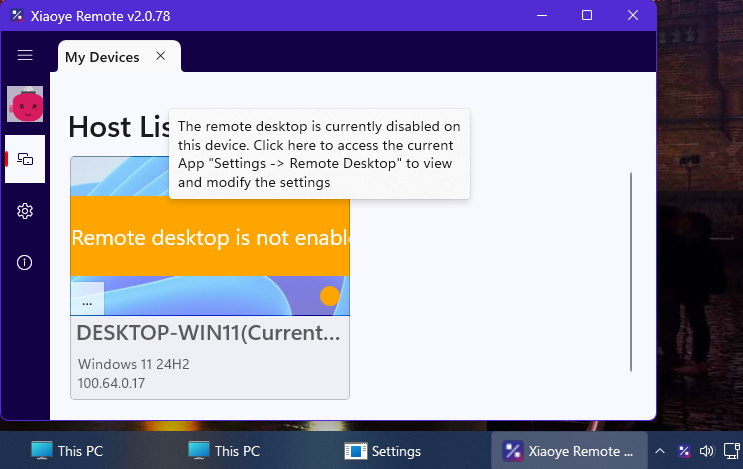
✨ Update Highlights
📊 Clearer Network Status Display
-
Network connection status at a glance, real-time display of current network conditions
-
More intuitive status prompts for quick awareness when network anomalies occur
🖥️ Comprehensive Tray Icon Upgrade
-
New system tray icon added, allowing the program to run in the tray after window minimization—no more accidentally closing the window! 😂
-
No longer occupies taskbar space when running in the background, keeping your desktop cleaner
🎯 Why These Updates Matter
Network status visualization allows you to detect network fluctuations immediately during remote work or technical support, avoiding operation delays or interruptions caused by network issues.
Tray icon functionality is designed for users who need to maintain long-term remote connections—server administrators, remote workers, and more. Now you can minimize the program to the tray, maintaining connections without disrupting your daily work.
📥 Experience It Now
Xiaoye Remote Control 2.0.78 has been fully rolled out. Welcome to update and experience it!
Download link: https://xiaoyeapp.com/download
Thank you for your continued support! We will keep optimizing to bring you an even better remote desktop experience.