Xiaoye Pass Service Open to Partners
The authentication service of XiaoyeApp is now open to the public. Here, you only need to add your OAuth client application, and then your OAuth client can use Xiaoye Pass account to log in. As Xiaoye Pass service has already integrated some third-party account login, after adding your OAuth client application, your OAuth client can also indirectly use these third-party accounts such as Github to login, without the need for you to separately handle the integration of multiple authentication services.
This feature is mainly aimed at developers. Those who understand it can understand it, and those who don't can also understand after reading it. If you need it, come and try it out. For more details, please refer to the XiaoyeApp official documentation: https://blog.xiaoyeapp.com/docs
Quick Start:
- Visit the official website of Xiaoye Pass service: https://auth.xiaoyeapp.com/ Register or log in to your Xiaoye Pass account
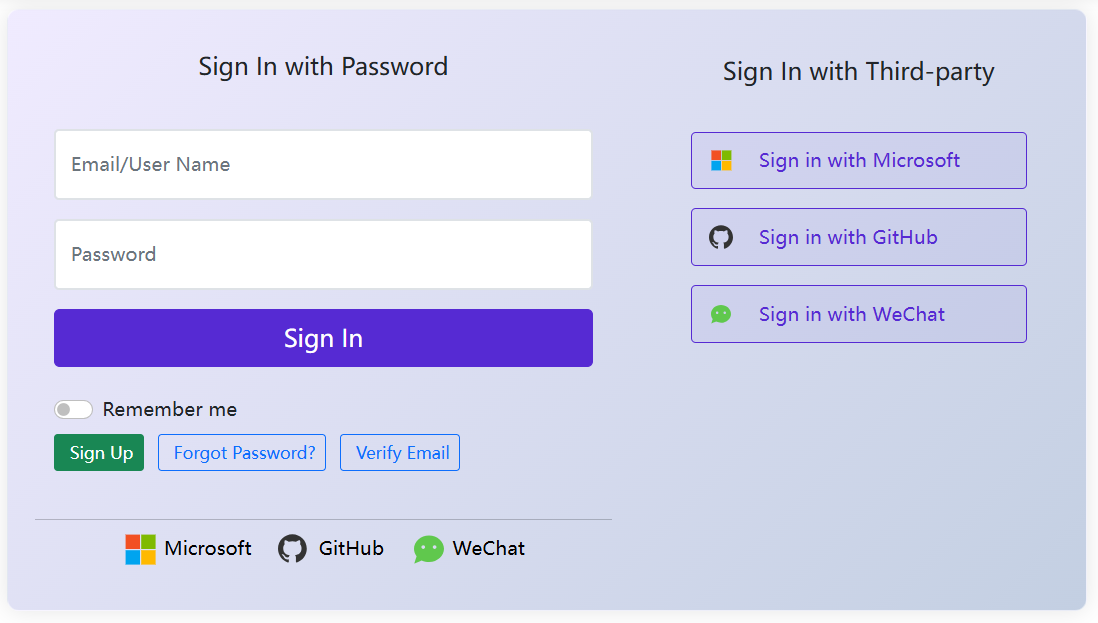
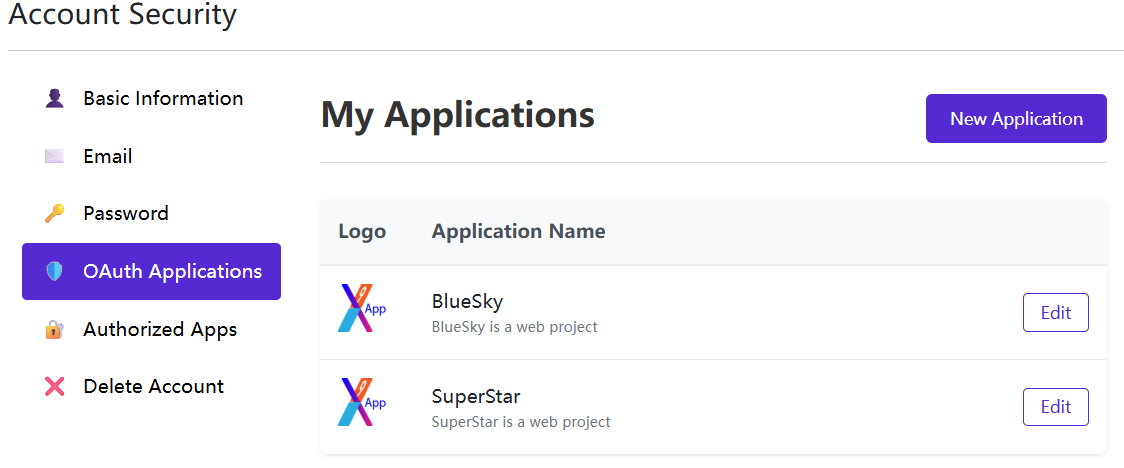
- Enter the OAuth client application management interface, where you can create, edit, and delete your OAuth client application.
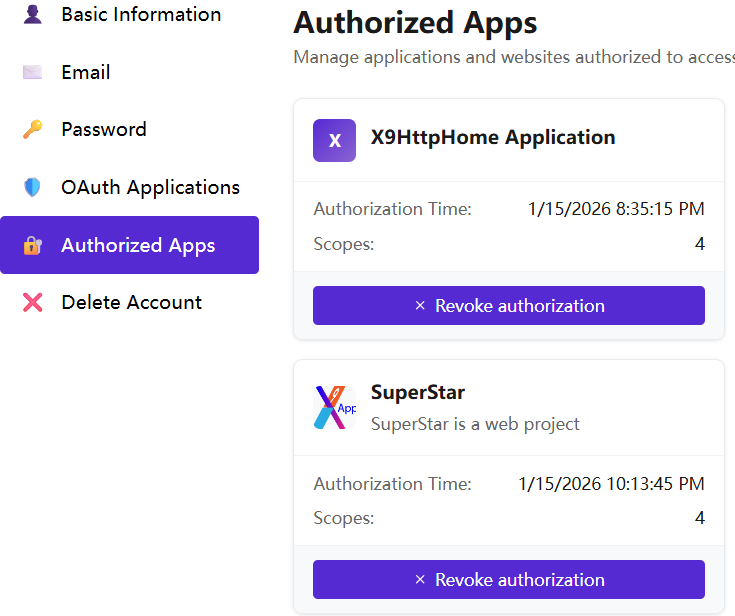
- Enter the authorized application management interface, where you can revoke the authorization of the application you have logged in to;
For further information, please refer to the relevant chapters on OAuth client application management and authorized application management.